CSS Skins
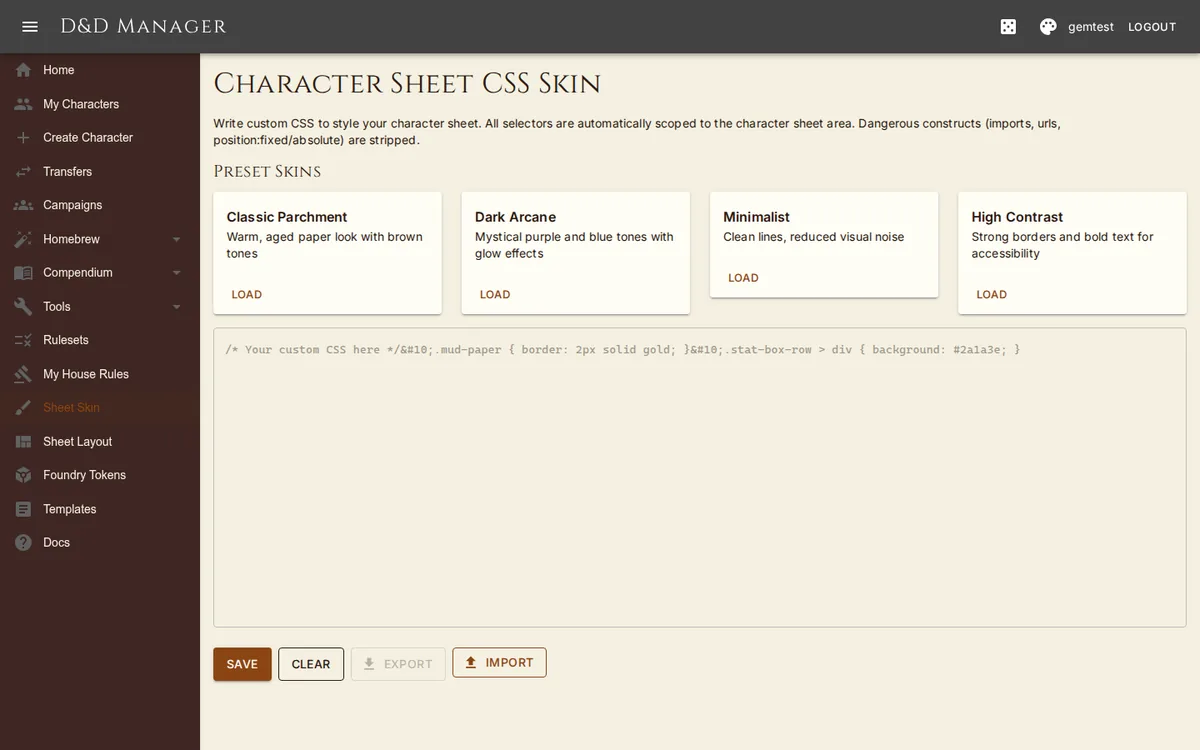
Navigate to Sheet Skin to customize the visual appearance of your character sheet with CSS. This is separate from the global theme — skins only affect the character sheet content area.
Preset Skins
Four preset skins are available as starting points:
| Skin | Description |
|---|---|
| Classic Parchment | Warm aged paper look with brown borders and sepia tones |
| Dark Arcane | Mystical purple/blue with glowing borders and dark background |
| Minimalist | Clean lines, reduced borders and shadows, subtle styling |
| High Contrast | Bold borders, heavy text, underlined headings (accessibility-focused) |
Custom CSS
Write your own CSS in the editor. All selectors are automatically scoped to the character sheet
area (prefixed with .character-sheet-skin), so your CSS cannot affect other parts of
the application.
Import & Export
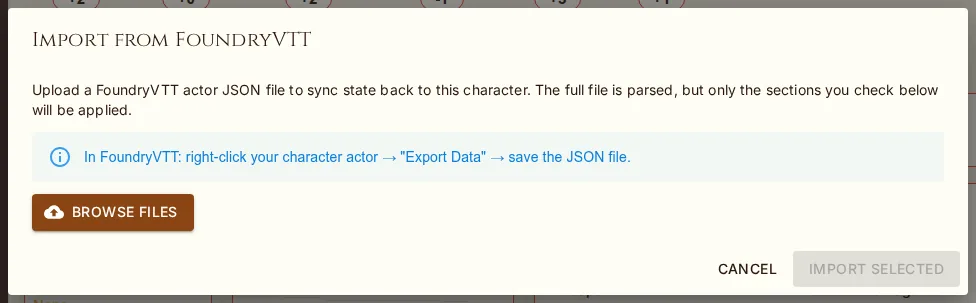
Export — download your CSS as a .css file
Import — upload a .css file (max 100 KB)
Clear — remove all custom CSS
Security
CSS is sanitized automatically. Blocked outright: @import, @charset,
@namespace, url(), expression(), javascript:,
-moz-binding, and behavior:. position: fixed and
position: absolute are rewritten to position: relative. After saving, the page
shows a sanitized preview of what was kept. Maximum CSS size is 50,000 characters.