Ruleset Profiles
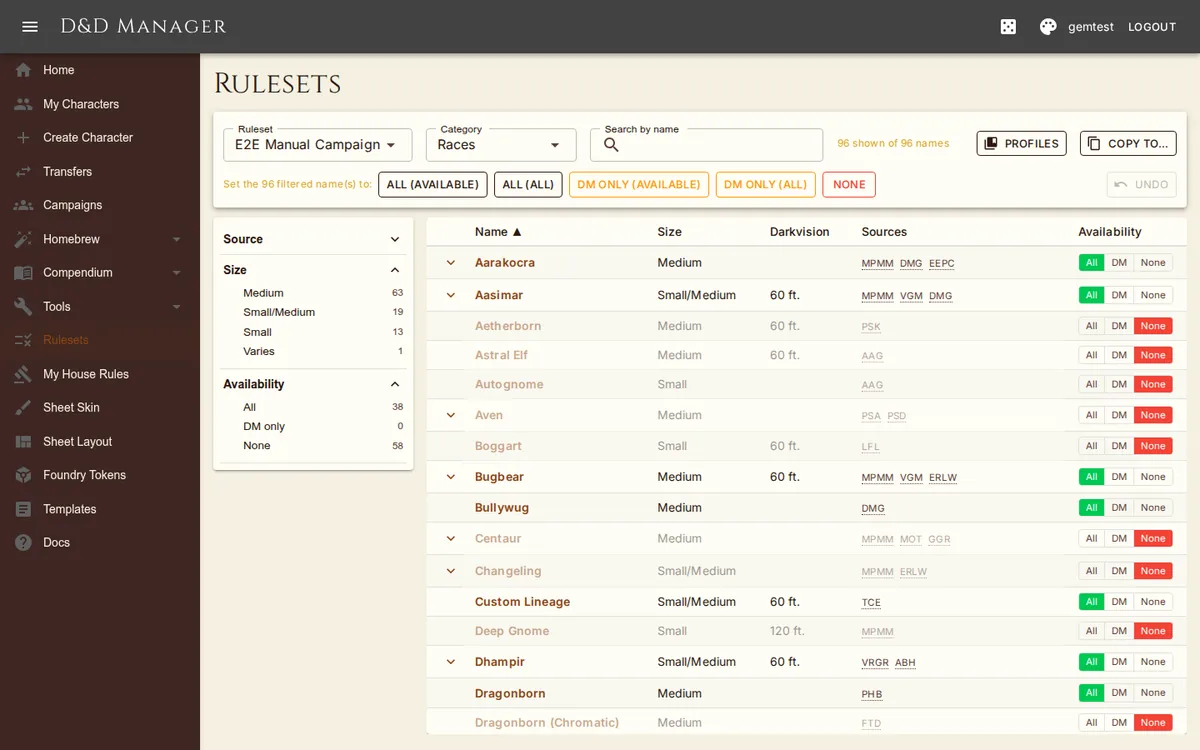
A profile is a saved copy of a whole ruleset — house rules, enabled source books, and availability overrides. Profiles replaced the older "source profiles" of the retired My Sources page.
Saving and Applying
In the Rulesets workbench click Profiles, type a name, and Save to capture the ruleset you're editing (saving under an existing name overwrites it). Each saved profile lists a share code with Apply (confirmed — it replaces the target ruleset), Export (JSON), and Delete. Import another player's profile by pasting their share code or JSON. Like every workbench write, applying a profile is undoable.
Copy to… on the workbench does the same in one step between two of your own rulesets — for example copying your personal ruleset onto a new campaign.