Party Inventory
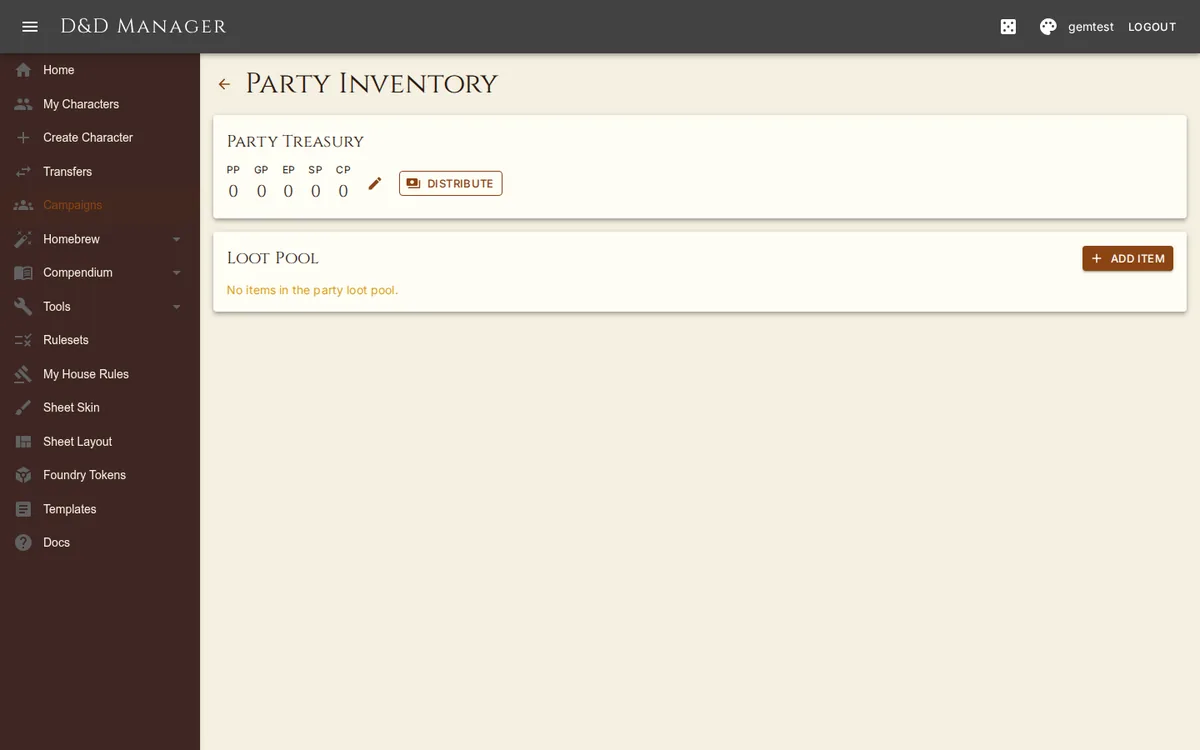
A shared loot pool for your campaign, managed by the DM. Items sit in the party inventory until distributed to individual characters.
Accessing Party Inventory
Open your campaign detail page and go to the Loot tab — the inventory renders right there
(and at /campaigns/ID/inventory for a direct link). Players can view the inventory; DMs can add,
remove, and distribute items and coin.
Features
Party Treasury — track shared currency (PP, GP, EP, SP, CP) separately from individual characters
Add Items — search the item database (honouring the campaign's ruleset) or add custom freeform items with notes
Distribute — give some or all of a stack to a specific campaign character
Distribute coin — hand the treasury (or part of it) to one character, or split it evenly across the party; each denomination divides separately and any indivisible remainder stays in the treasury
Remove — remove items from the pool