Encounters & Combat Tracker
The encounter tools help DMs build, balance, and run combat. They live at three URLs and are also accessible from the campaign detail page's Combat tab.
Monster Browser
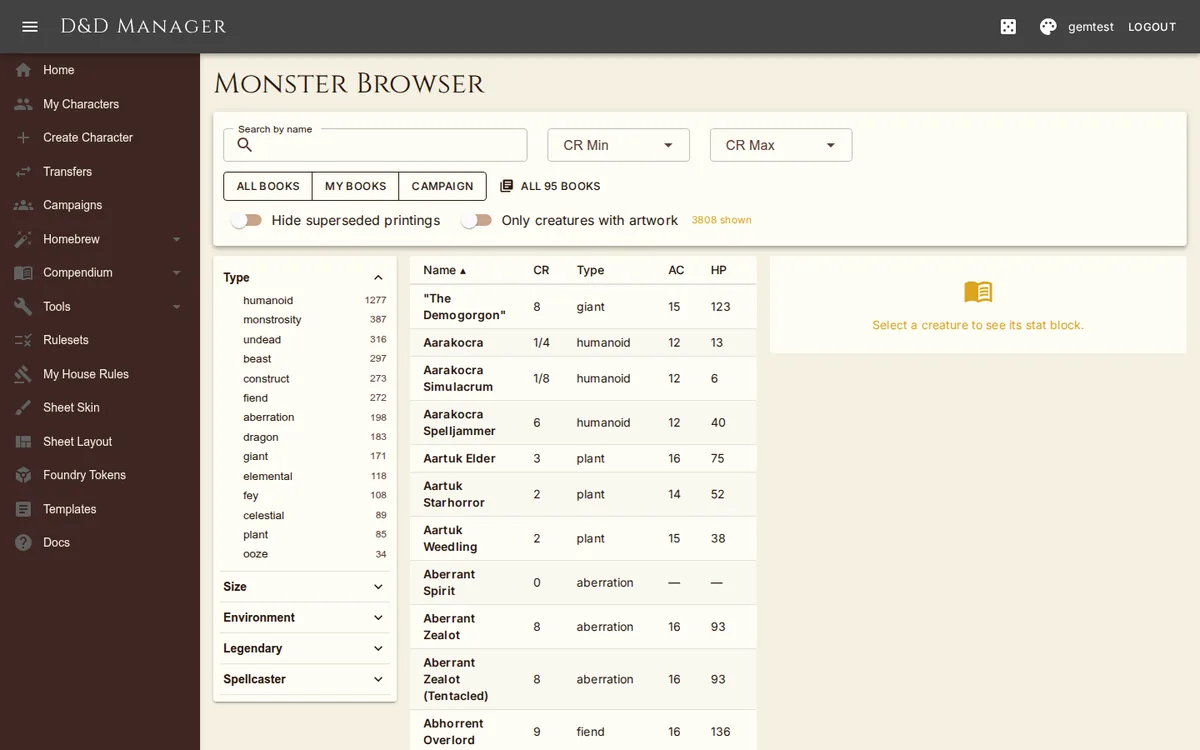
Visit /monsters to browse the bestiary (~1,000 creatures from MM, VGM, MTF, MPMM).
Filter by Challenge Rating, creature type, and environment; search by name. Click a row to open
a full stat block panel with traits, actions, legendary actions, spellcasting, and bestiary
artwork (where available). A source bar switches between All books, My books,
Campaign, and Custom; switches hide superseded printings or show only
creatures with artwork, and the list sorts by name, CR, type, AC, HP, or source.
Encounter Builder
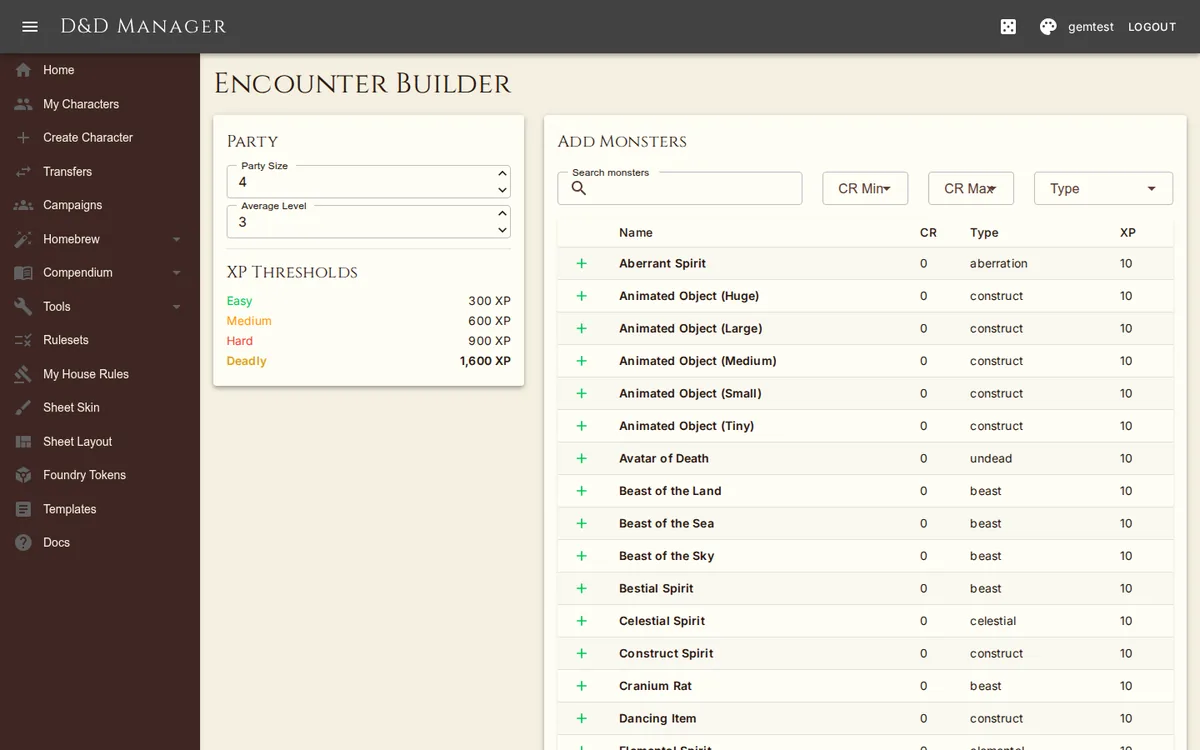
Visit /encounters/builder to plan an encounter ahead of session. Configure your party
(size and average level), then add monsters from the picker. The XP budget bar tracks total adjusted
XP against the party's thresholds for trivial / easy / medium / hard / deadly difficulty, using the
standard 5e encounter multipliers (adjusted for party size). Add or remove monsters to dial the
difficulty in real time.
Combat Tracker
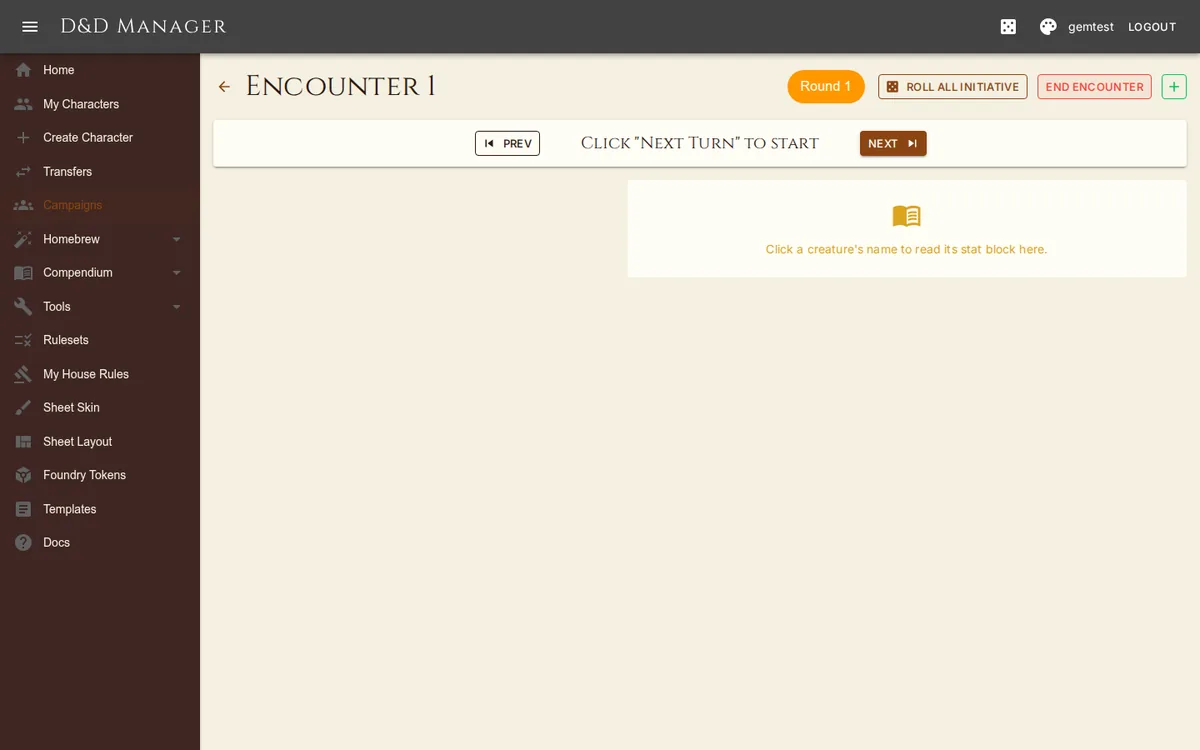
Each campaign has a combat tracker at /campaigns/{Id}/combat (also reachable via the
Combat tab). The tracker shows initiative order, current turn, and round number, with controls for
advancing turns and ending the encounter.
Adding Combatants
Monster — search the bestiary, then add one or more copies of a monster (HP rolled or averaged).
Player — pick a campaign character; HP, AC, conditions stay in sync with the character sheet.
Custom — type a name, initiative, HP, and AC for any quick combatant (NPC, environmental hazard).
Tracking Per Combatant
HP +/− — inline quick-adjust buttons; Damage and Heal in the combatant's row menu open the full dialogs.
Apply Damage — pick the damage type (13 options); resistances/immunities/vulnerabilities auto-halve, zero, or double the value (with a manual override toggle if you want to ignore them).
Conditions — chip picker covering all 14 standard 5e conditions plus spell debuffs (Faerie Fire, Bane, Hold Person/Monster, Hex, Bestow Curse). Hover a chip for what the condition costs the creature; click it for the full rules text.
Concentration — the row shows "Concentrating: spell" with a Break Concentration action in its menu (the quick CON save buttons live on the character sheet).
Resistances — chips display each combatant's damage resistances, immunities, and vulnerabilities for at-a-glance reference.