Characters
Character List
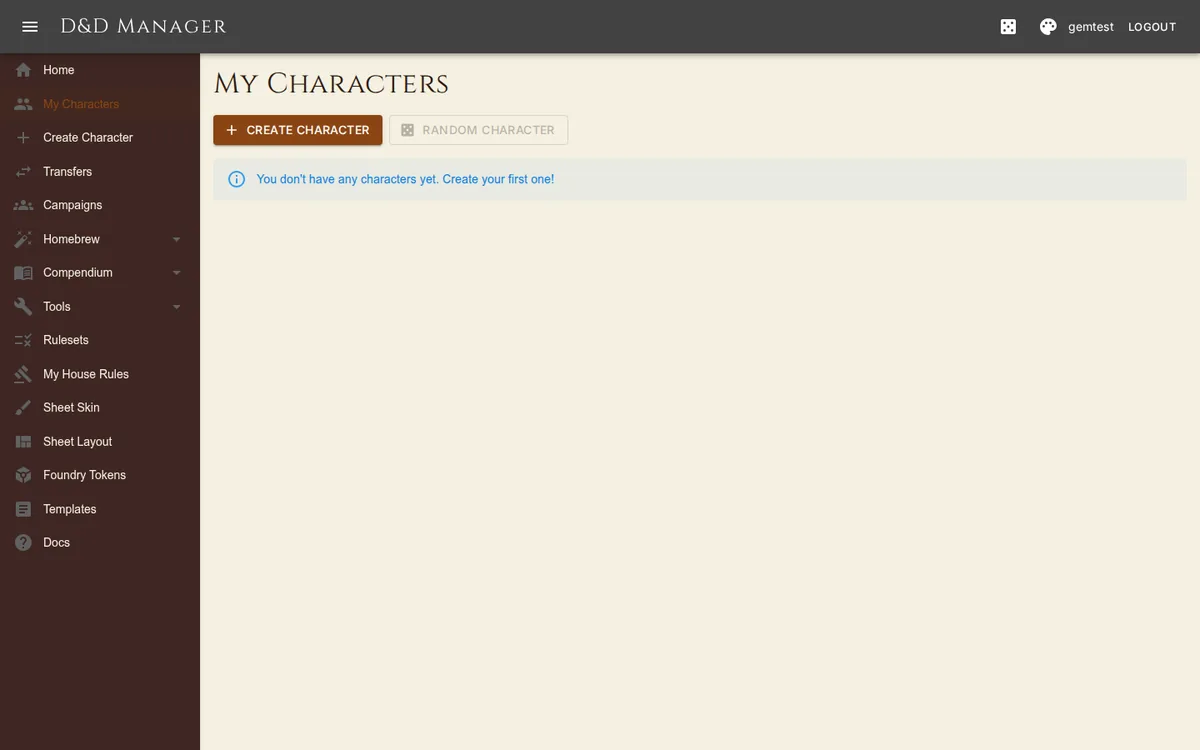
Navigate to My Characters to see all your characters displayed as cards. Each card shows the portrait (or a default avatar), the character's name, race and subrace, and class and level ("Fighter Lv.3"), with a delete icon. Create opens the wizard; the Random Character button is temporarily disabled while the generator is rebuilt. Click any card to open the full character sheet.
Editing Characters
Most of the sheet writes as you use it — hit points, temp HP, XP, currency, item quantities, spell slots, inspiration, death saves, conditions, resources, buffs, rests — with no mode to enter. Edit mode is for the things you settle once: The banner names the character's background after the class line, and the Features tab groups its feature (Wanderer, Military Rank…) under "Background — name". In edit mode a Background picker under the banner changes it; saving swaps the background's feature row, while skills, tools, languages and gear stay as they are for you to adjust.
Name, alignment, and portrait
Base ability scores — type a number, or +2 / -1, straight into the ability box
Skill proficiencies and expertise, saving throw proficiencies
Languages and tool expertise
Personality traits, ideals, bonds, flaws, backstory, appearance, allies and enemies
Anything from the Grant catalogue — features, feats, spells, buffs, resources, companions, languages, proficiencies — which commits as you click (see Character Sheet)
Click Save to persist changes (an automatic version snapshot is created) or Cancel to discard. If someone else saved the character while you were editing, Save refuses rather than overwriting their work, and the sheet reloads.
Portraits
Upload a portrait during character creation or in edit mode on the character sheet. Accepted formats: JPEG, PNG, WebP. Maximum file size: 50 MB. Portraits are stored on the server and shown on character cards and the sheet banner; click the banner portrait to view it full-size.
Permissions
| Context | Who Can Edit |
|---|---|
| Your own character | You (full edit access, including Grant; only you can transfer it to another player) |
| Character in your campaign (you are DM) | You (full edit access to all player characters, including Grant) |
| Another player's character | View only |